
Mamgain.app logoMamgain.app
MAnnotator

MAnnotator

Real-Time Screen Annotation, Built for Clarity.

Windows

MAnnotator puts a transparent annotation overlay above your screen so you can draw, highlight, arrow, and spotlight during live presentations, classes, and demos — all without touching the application underneath. Built on Avalonia for reliable always-on-top native Windows behaviour, with a floating toolbar, global shortcuts, and a panic key that instantly restores full desktop control. Buy once, own it forever — free updates included.

$4.99 one-time · lifetime licence · free updates · pricing parity for emerging markets
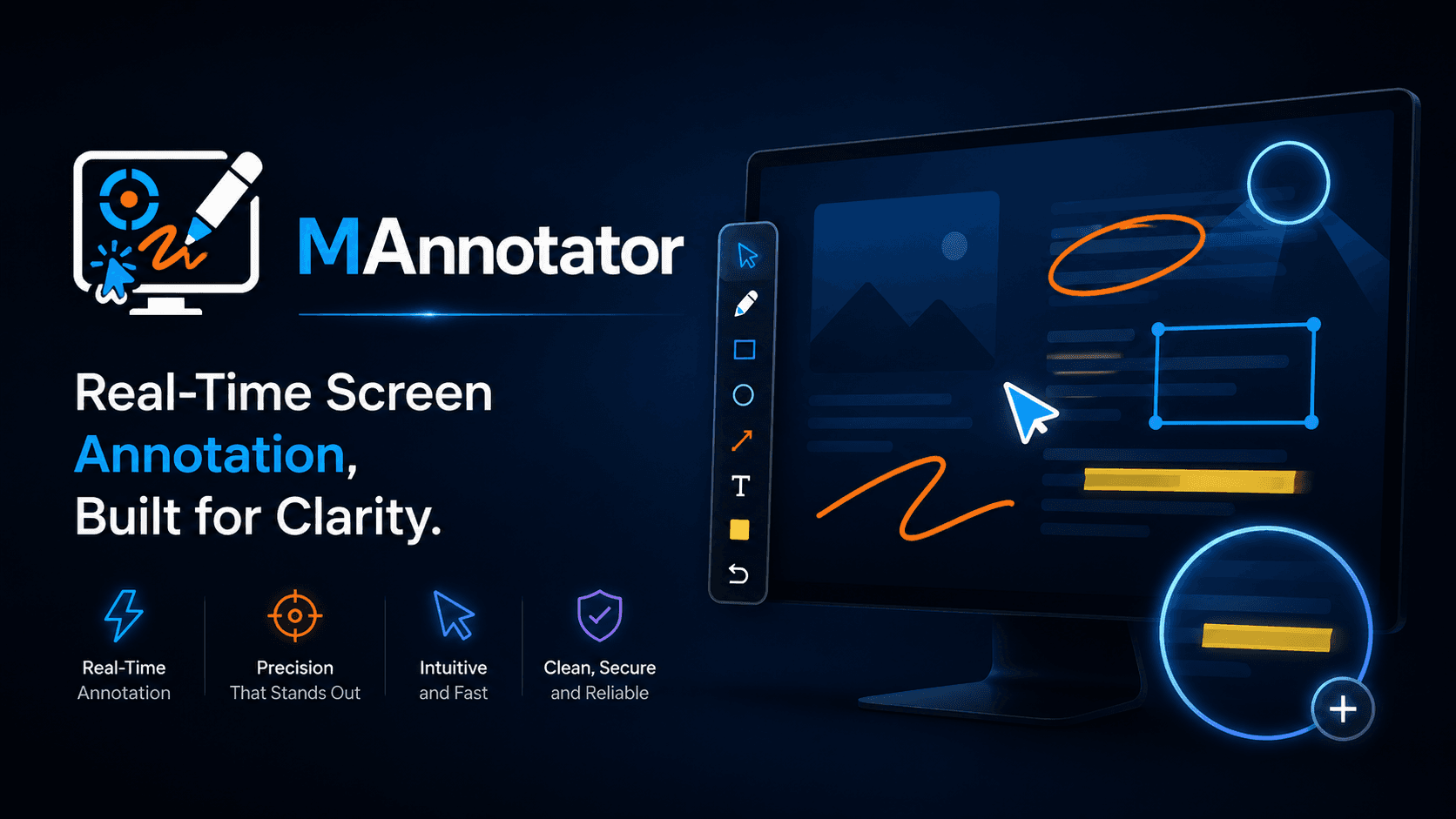
MAnnotator screen annotation tools and product overview
Overlay
Always-on-top transparent
Monitors
Multi-display + mixed DPI
Privacy
No screen capture or data

What's inside

Any Target

Annotate over a specific app window, one display, or all connected displays simultaneously.

Instant Deactivate

Press Ctrl+Shift+F12 at any time to immediately hide all overlays and restore full desktop control.

Laser Pointer

Fading laser pointer for live attention guidance — trail fades naturally like a real laser.

Spotlight Mode

Focus the audience on one area by dimming everything outside your spotlight circle.

Click-Through Idle

When no annotation tool is active, the overlay is fully transparent to clicks — no desktop disruption.

Presenter Safety

Safe-launch state: overlays always start hidden. Updates never silently restart during a live presentation.

Full feature list

Transparent overlay above any window or full display — no screen modification
Tools: Pen, Highlighter, Line, Arrow, Rectangle, Ellipse, Text, Eraser, Undo/Redo
Presenter tools: Fading laser pointer, Spotlight, Freeze screen, Magnifier
Target any window, a specific display, or all displays at once
Click-through idle mode — normal desktop interaction resumes when no tool is active
Floating toolbar: horizontal/vertical, light/dark, always on top
Global shortcuts including panic key (Ctrl+Shift+F12) to instantly deactivate
Multi-monitor support with per-display overlays and mixed DPI handling
Auto-updates via Velopack — updates never interrupt a live presentation
$4.99 one-time — lifetime licence, free updates, no subscription ever

FAQ

How much does MAnnotator cost?+
$4.99 one-time payment. You get a lifetime licence and all future updates are free. No subscription, ever. Purchasing power parity pricing is applied automatically at checkout — buyers in emerging markets pay less.
How do I activate MAnnotator after purchase?+
After purchase, Gumroad emails you a licence key. Enter it in the MAnnotator activation window on first launch. The key is stored locally — you only need to enter it once per machine.
Will it block my mouse when I am not drawing?+
No. When no annotation tool is selected, the overlay is in click-through mode — your mouse interacts normally with everything underneath.
What if the overlay gets stuck and blocks my screen?+
Press Ctrl+Shift+F12 (the panic shortcut) at any time. It is handled at the service level — independent of UI state — so it works even if the interface is unresponsive. All overlays hide instantly.
Does it work with multiple monitors?+
Yes. MAnnotator creates one overlay per physical display. Annotate a single display or all displays at once. Mixed DPI scaling is fully supported.
Does it record the screen?+
No. MAnnotator is annotation-only. It does not capture, record, or transmit any screen content. For recording, see MFlowStudio.
How do updates work?+
MAnnotator checks for updates automatically on launch and every 24 hours. When a new version is available, you get an in-app prompt — updates never happen silently during a presentation. All updates are free with your licence.
MAnnotator — Mamgain.app | Mamgain.app