

MResizer
Perfect Window Sizes, Instantly.
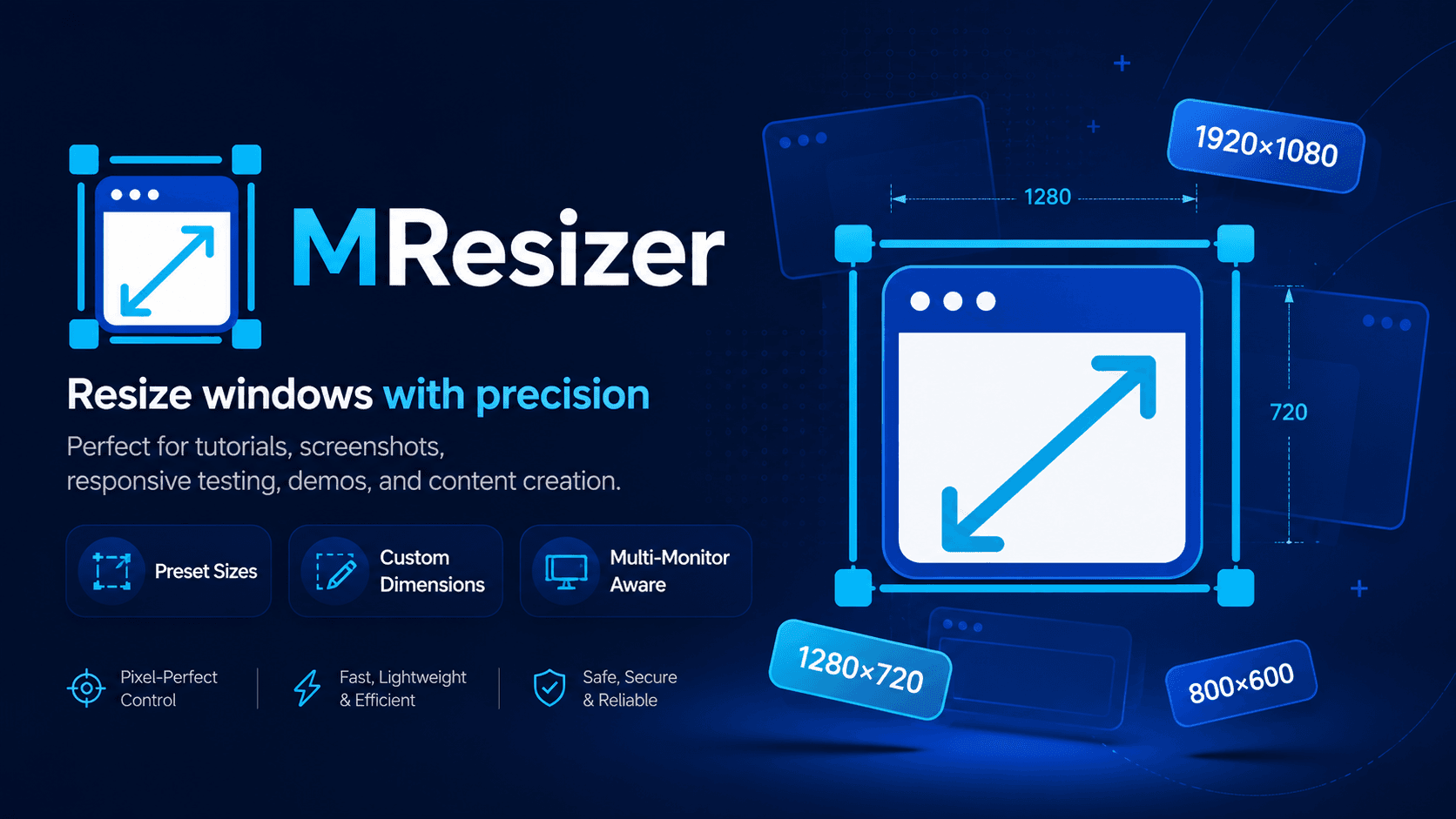
MResizer lives in the tray and resizes any application window to pixel-perfect dimensions in one click. Choose from built-in presets (1920×1080, 1280×720, and more), create custom sizes, or activate with a global hotkey. Supports active-window resize, click-to-select resize, multi-monitor and DPI-aware behavior, and position modes including center on monitor. No admin rights needed.
What's inside
20+ built-in presets across 16:9, 16:10, 4:3, 1:1, 9:16, Tutorial Recording, and Social Media groups.
Build your own presets with name, width, height, group, resize mode, and position mode.
Enter selection mode, click any window on screen, and apply the chosen preset instantly.
Ctrl+Alt+R opens MResizer, Ctrl+Alt+A resizes the active window without touching the mouse.
Detects the monitor containing the target window and uses DPI-aware coordinates for pixel-perfect results.
Restore the previous window size and position with a single tray command or hotkey.
Full feature list