
Mamgain.app logoMamgain.app
MColors

MColors

From Pixel to Palette, Instantly.

Windows

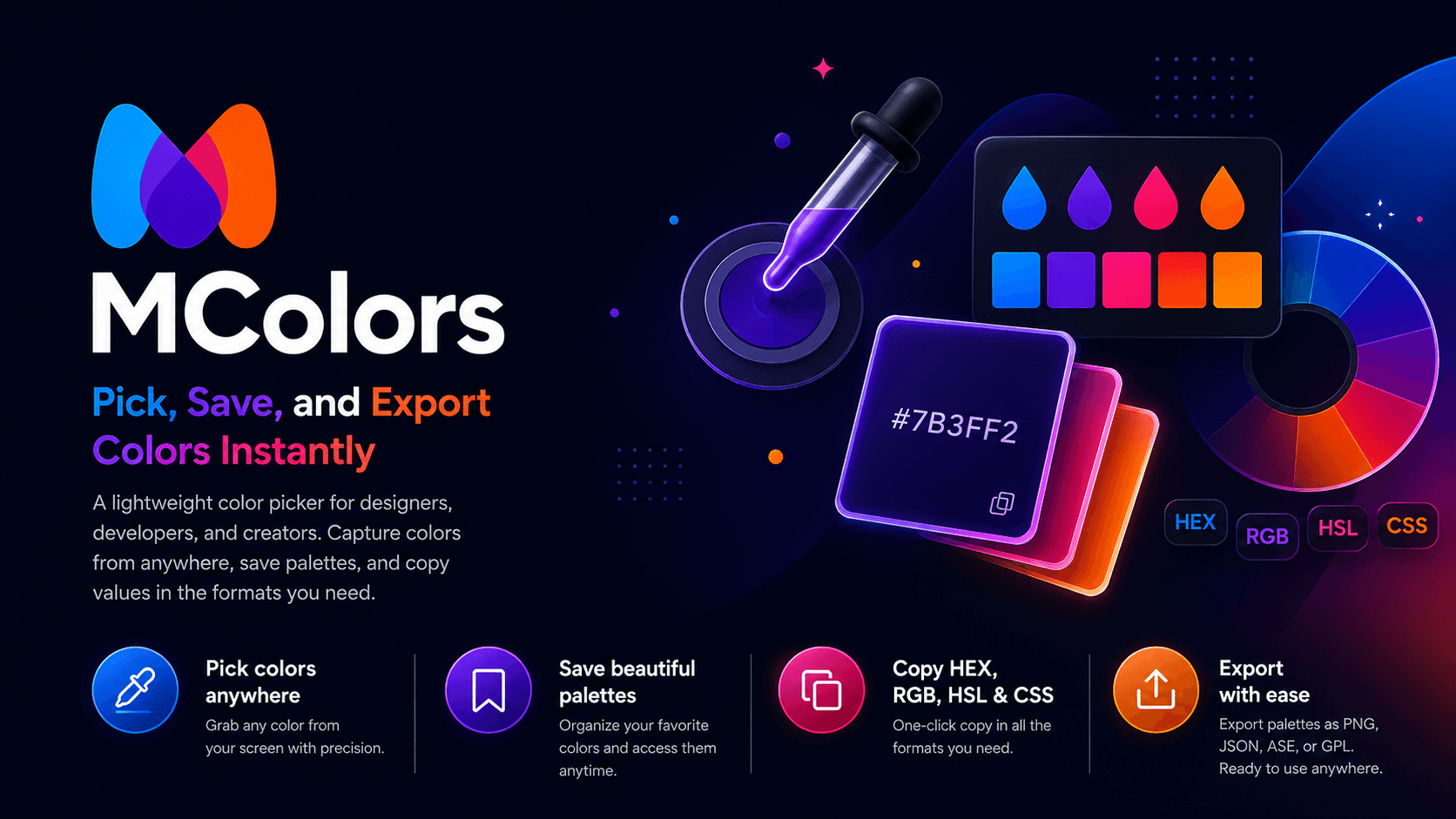
MColors lives in your tray and gets out of the way until you need it. Press Ctrl+Shift+C, hover over any pixel on screen, and copy the color in the format you want — HEX, RGB, HSL, or CSS. Save your favorite colors as named palettes, export to PNG, JSON, ASE, or GPL, and clear your history from the Privacy tab. No account. No cloud. No telemetry. Just fast, precise color picking.
Direct GitHub Releases Download

MColors is free. Gumroad helps me notify users about updates and allows optional support. A direct GitHub Releases download is also available.

Free — always. Download from GitHub or Gumroad.

MColors color picker — pick, save, and export colors instantly
Activation
Global hotkey
Formats
HEX · RGB · HSL · CSS
Privacy
Fully offline

What's inside

Pixel Sampling

Samples the pixel under the cursor at ~30 FPS while picker mode is active. Stops immediately on pick or cancel.

Multi-Format Copy

One-click copy in HEX, RGB, HSL, CSS, Tailwind, or JSON — choose your default in settings.

Favorites

Star any color to save it permanently. Name favorites for quick recall from the tray flyout.

Palette Export

Export recent colors or favorites as PNG swatches, JSON, ASE (Adobe), or GPL (GIMP/Inkscape).

WCAG Contrast

Color Tools window pairs a foreground and background, computes WCAG 2.1 contrast ratio, and rates accessibility.

Privacy First

No screenshots are stored. Only selected color values are saved locally. Clear history anytime from About > Privacy.

Full feature list

Global hotkey activation (Ctrl+Shift+C) — pick any pixel in one keystroke
Copies HEX, RGB, HSL, and CSS formats with one click
Recent color history with local storage — up to 20 colors
Favorites — save and name colors for quick access
Export palettes as PNG, JSON, ASE, or GPL
Color Tools window: paired FG/BG slots, WCAG contrast checker
Tailwind and JSON copy formats for developers
OS theme following — automatic dark/light switch
Fully offline — no cloud, no telemetry, no account required
100% free — download from GitHub or Gumroad

FAQ

Is MColors really free?+
Yes — completely free, forever. Download from GitHub Releases or Gumroad. No licence key, no account, no catch.
What is the default hotkey?+
Ctrl+Shift+C activates the color picker globally. You can change it in Settings.
Does MColors store screenshots?+
No. MColors only samples the pixel under the cursor while picker mode is active. It does not capture, store, or upload any screen content.
What export formats are supported?+
PNG swatches, JSON, ASE (compatible with Adobe apps), and GPL (compatible with GIMP and Inkscape).
MColors — Mamgain.app | Mamgain.app