
Mamgain.app logoMamgain.app
MNotepadX

MNotepadX

Notepad Simplicity, Professional Power.

Windows

MNotepadX is what Windows Notepad should have become. Fast startup, reliable session restore, per-tab crash recovery, and syntax highlighting out of the box — without the weight of VS Code or the cost of Sublime Text. Write plain text, edit code, preview HTML inline, and extend the editor with plugins. Everything runs locally, nothing leaves your machine.
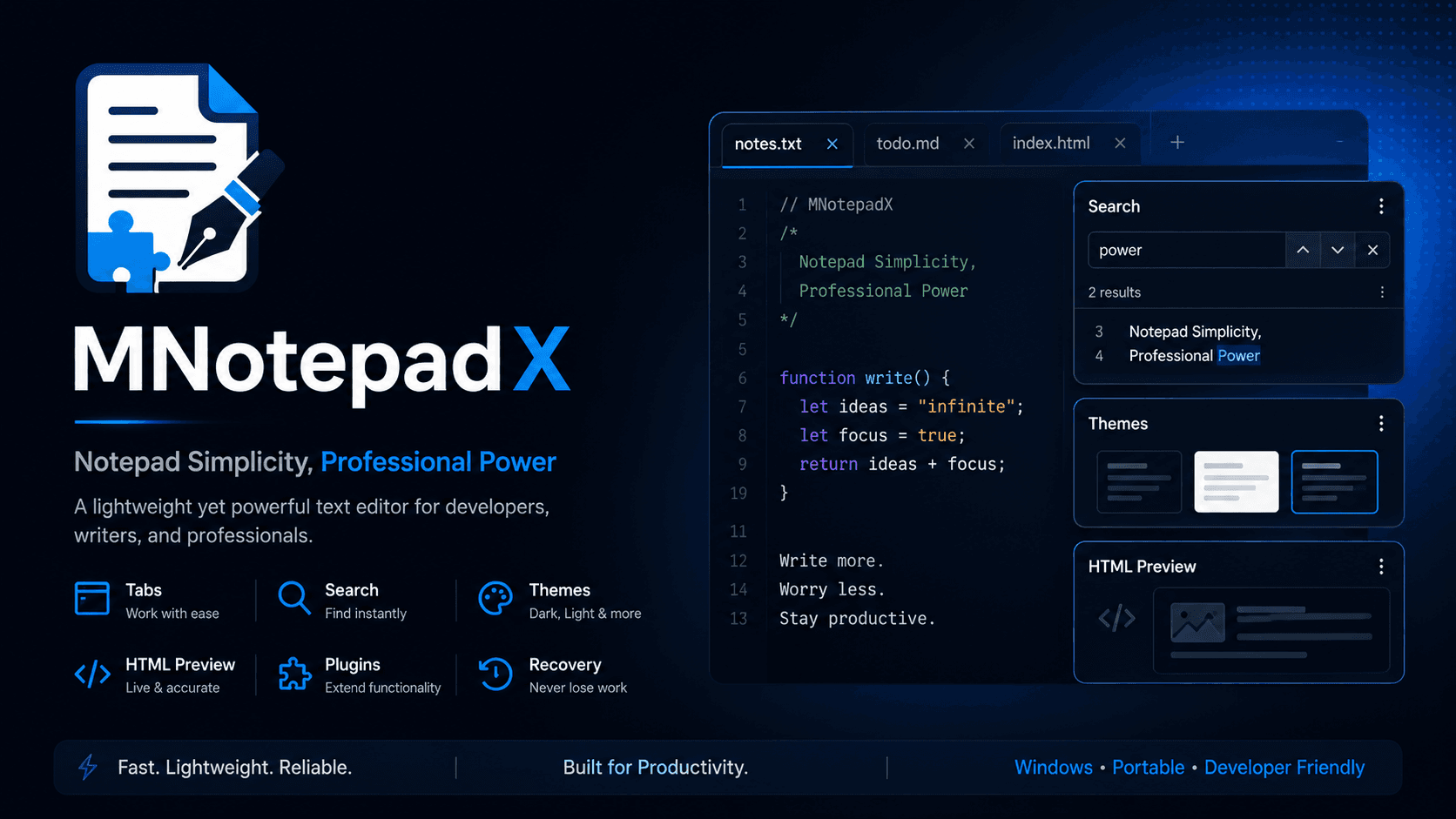
MNotepadX product overview and editor preview
Startup time
Under 1 second
Languages
12+ with highlighting
Privacy
Zero telemetry

What's inside

Session Restore

All open tabs restore on relaunch. Per-tab crash recovery snapshots protect unsaved work.

Split Pane

Open a second editor pane with Ctrl+\. Search stays synced across both panes.

HTML Preview

Full .html preview in a sandboxed iframe. Embed :::html regions in any file type.

Plugin System

Worker-sandboxed plugins with command palette integration, status bar, and result panels.

Local-first

Zero telemetry, zero tracking. Your files never leave your machine.

Portable Mode

Drop a portable-data/ folder beside the exe to carry settings on a USB drive.

Full feature list

Multi-tab editor with dirty-state tracking and crash recovery
Syntax highlighting: HTML, CSS, JS/TS, JSON, Markdown, Python, Shell, YAML, XML
Synced split-pane editing (Ctrl+\) with shared search across panes
Live HTML preview — full .html documents + :::html regions in any file
Multi-cursor editing, live minimap, word wrap (Alt+Z), editor zoom
Find & Replace with regex, match case, whole word, select-all matches
Five built-in themes: Midnight Blue, Minimal Dark, Minimal Light, Forest Graphite, Sepia Writer
Plugin system: worker-sandboxed plugins, command palette, status bar, panels
Portable Mode — all data in portable-data/ beside the executable
100% free — download from GitHub, no account, no key required

FAQ

Is MNotepadX really free?+
Yes — completely free, forever. Download the installer from GitHub Releases. No licence key, no account, no catch.
How is it different from Notepad++ or VS Code?+
MNotepadX sits in between. More modern than Notepad++, much lighter than VS Code. Fast startup, clean UI, plugin system, and built-in HTML preview — without the IDE complexity.
Does it work offline?+
Yes. 100% offline. All features including plugins work without internet.
How do plugins work?+
Plugins run in isolated Node.js worker threads — a plugin crash cannot affect the editor. Install bundled plugins from Preferences → Plugins, or drop your own into the plugins folder.
MNotepadX — Mamgain.app | Mamgain.app